picdad

Cosmetics and beauty

Beauty products with labels you can read

Put perfume bottles, jars and compacts on clean white or in an AI scene, with the label exactly as you photographed it.

Beauty buyers read the label. PicDad never redraws your product: it cuts it out and places it on white, a color or an AI scene, so the label, the shade and the bottle stay as you shot them. Glass and clear packaging are checked like any other edge.

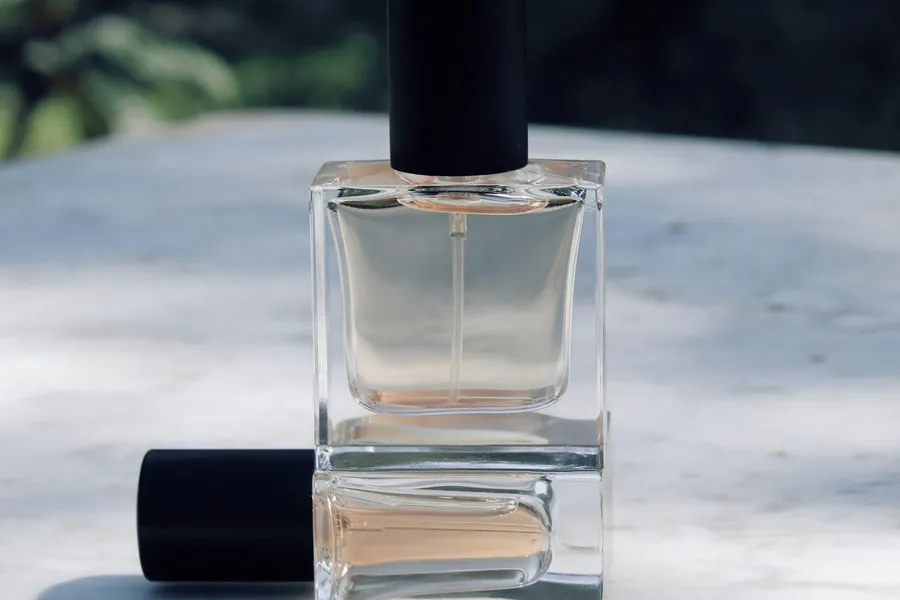
Perfume bottle: the original photoBefore
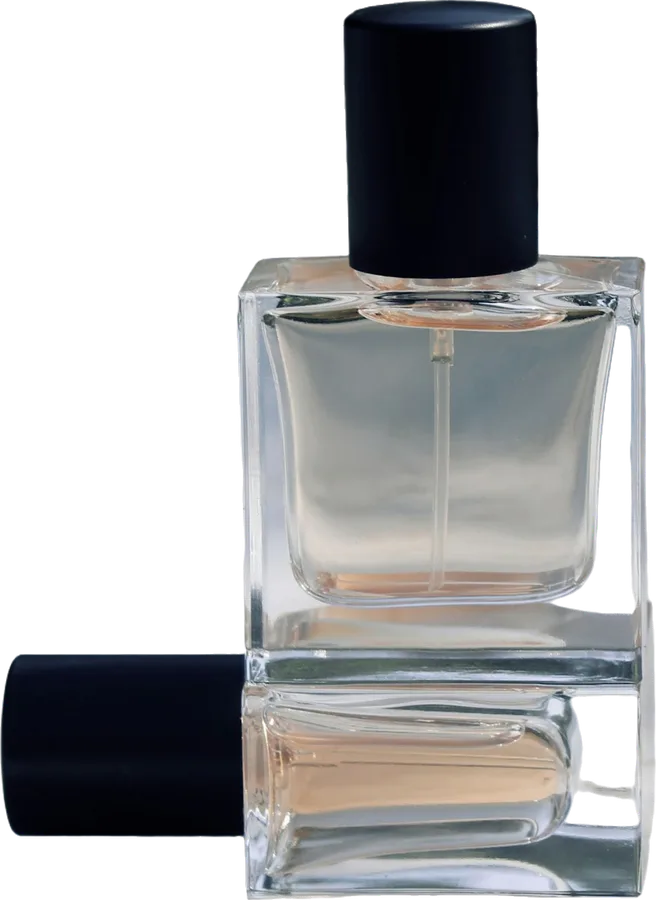
Perfume bottle: prepared in PicDadAfter
Perfume bottle. A real photo, before and after PicDad.

What makes it tricky

Cosmetics, honestly

  • Glass and clear packaging. A clear bottle shows the background through it. The cut-out keeps what’s seen through the glass, so shoot clear bottles against a plain backdrop.
  • Shine and glare. Glossy caps and jars catch lamps and windows. Turn the product until the glare is off the label.
  • True shades. A lipstick or foundation shade has to match the real thing. Compare the photo with the product before you download, and keep adjustments light.

Before you shoot

A better photo to start from

  1. Use soft daylight, and turn the label until it’s free of glare
  2. Shoot glass and clear packaging against a plain backdrop
  3. Add a photo of the back label and ingredients
  4. Show swatches or the open product for shades

Your next listing starts here

Give your product
a little breathing room.

Bring a photo. Pick a starting point. Make it yours.

Open the studio ↗︎