What it handles
Built for this job
- Two scenes from one description
- Your product placed on top, as photographed
- One free try without an account, then 10 AI credits a month free
AI scenes
Describe where your product should be, and get two scenes drawn around your own photo of it.
PicDad cuts your product out, then AI paints a new background around it: a light oak table, a marble counter, a windowsill in the morning. Your product is placed on top as you photographed it, so the label and colors are the ones you shot.
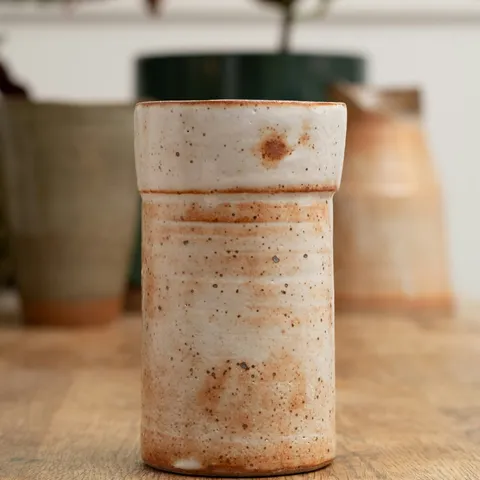 Before
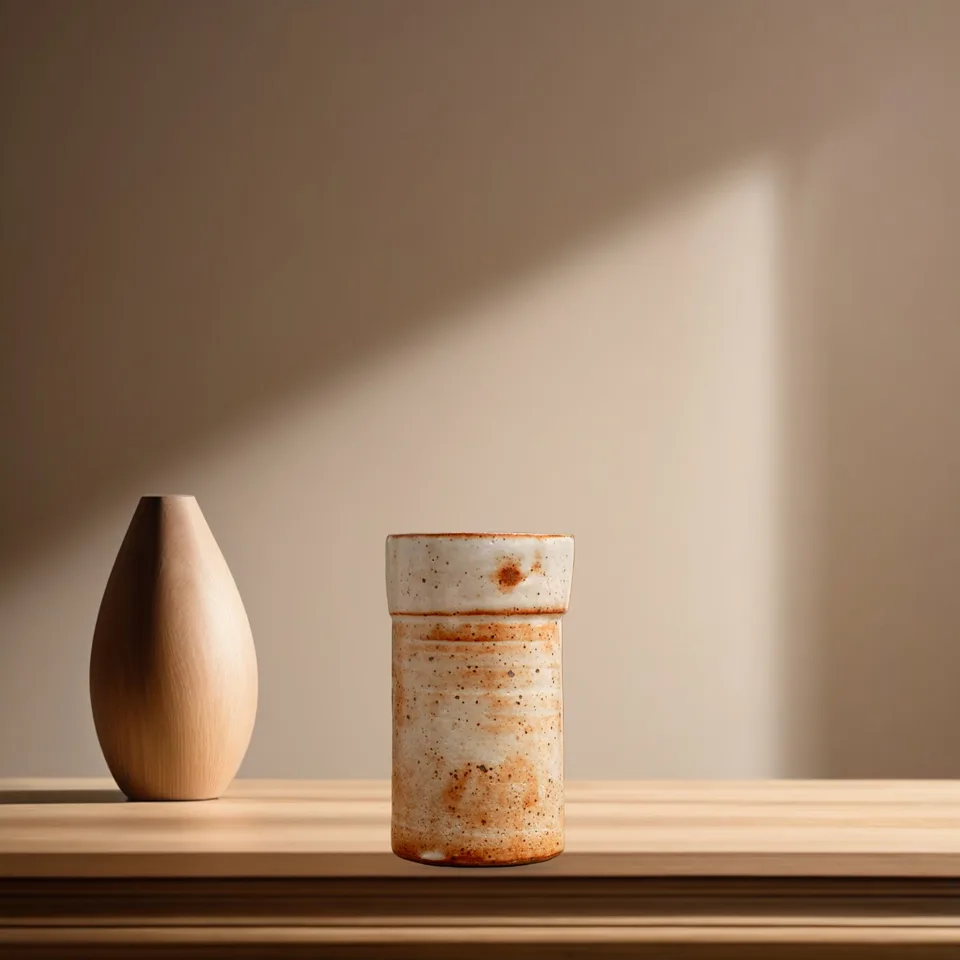 After
AfterWhat it handles
Three simple steps
Your next listing starts here
Bring a photo. Pick a starting point. Make it yours.