What it handles
Built for this job
- JPEG output
- Smaller dimensions
- Original-fit framing
Upload help
Create a smaller JPEG when a listing form rejects a large or incompatible image.
Check the error message first. This preset gives you a smaller JPEG of your photo as it is, to try when the issue is file format or size. Removing the background is one click if you want it.
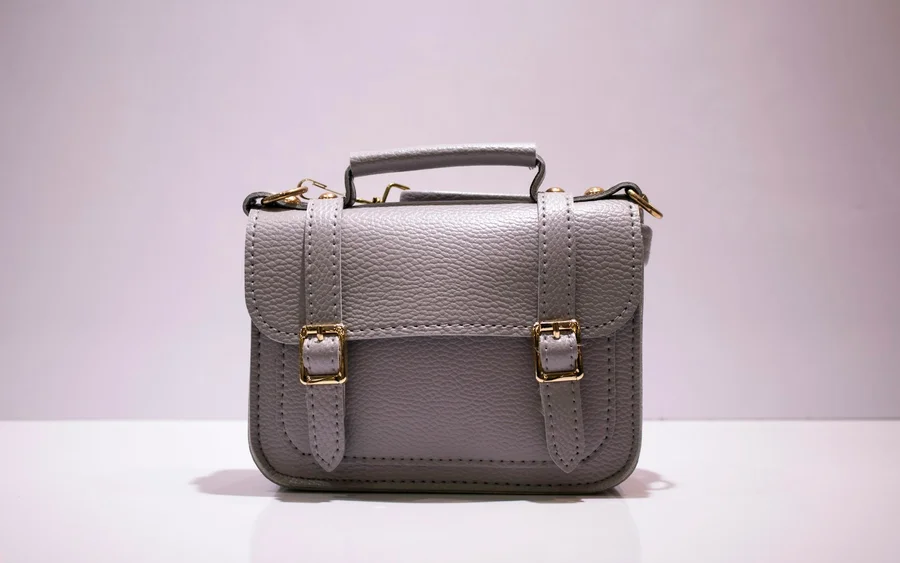 BeforeComposition kept
What it handles
Three simple steps
Your next listing starts here
Bring a photo. Pick a starting point. Make it yours.