What it handles
Built for this job
- White background starting point
- Portrait framing
- Large JPEG export
Marketplace preset
Make your item easy to see with a white background and a large JPEG export.
Start with the eBay Main Image preset, then adjust the framing around your item. Keep important details and visible signs of condition in the picture.
 Before
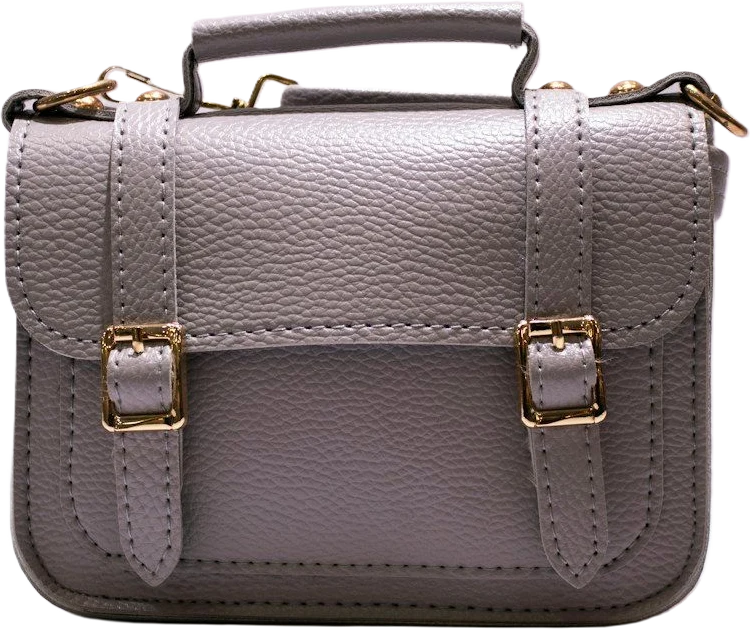 After
AfterWhat it handles
Three simple steps
Your next listing starts here
Bring a photo. Pick a starting point. Make it yours.